From binaries (recommended)
Open the latest release page, download the file for your OS, then launch it.
Secure desktop cryptography
Eris is a focused PGP workstation for people who want practical message security without a cluttered interface. It helps you manage your own keys, store them in an encrypted vault, and move quickly between encryption and verification workflows.
Eris is designed around the complete day-to-day PGP cycle. You can create your own key pair, import trusted public keys from contacts, encrypt and sign outgoing messages, then decrypt and verify incoming ones. The application keeps everything local and uses a vault file encrypted with a passphrase, so your key material stays under your control.
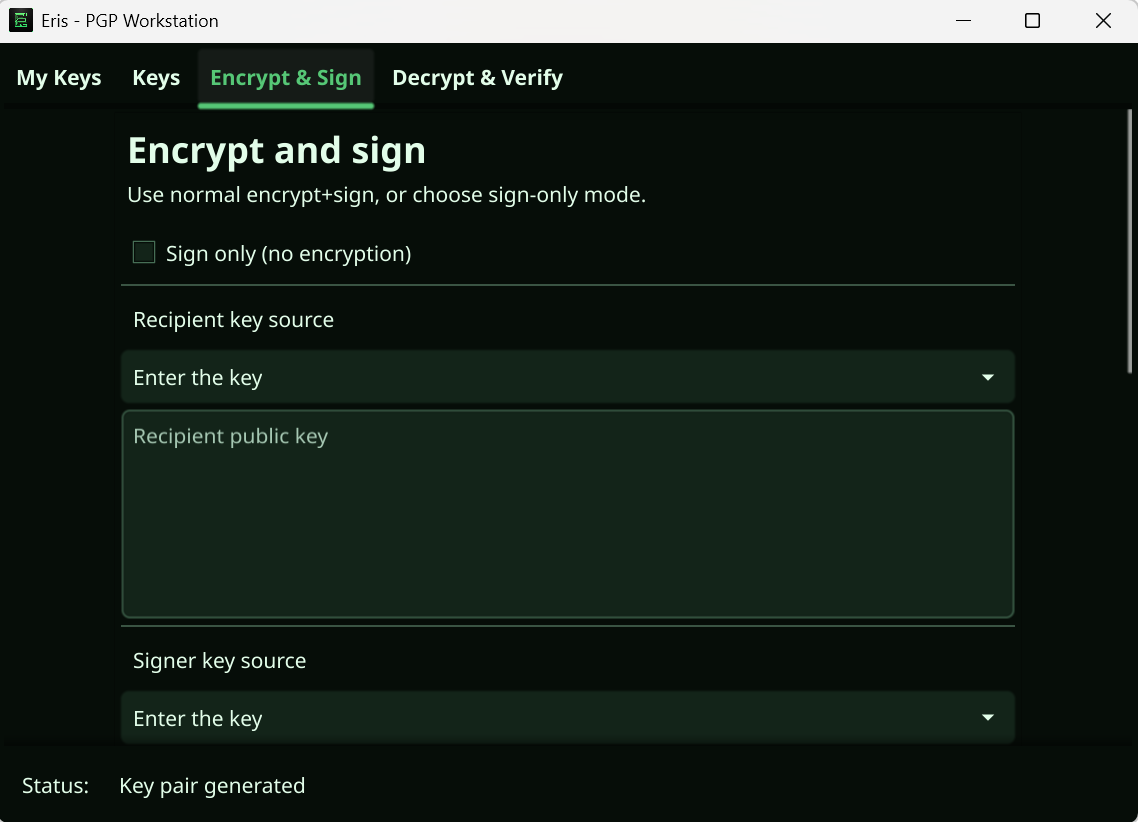
The interface also supports two fast modes for real-world use: sign-only for cleartext signatures, and verify-only for validating signed messages without decrypting. This makes Eris useful both for confidential communication and for authenticity checks in plain-text workflows.
Choose the installation method that fits your system and workflow. If you just want to run Eris quickly, use binaries from Releases. If you prefer package managers or build tooling, the options below are ready.
Open the latest release page, download the file for your OS, then launch it.
Install directly with Go. Make sure your Go bin directory is in your PATH.
go install github.com/sibexico/Eris@latest
Use this when building from source. fyne install installs the app from the current directory,
so run it inside the cloned Eris project (after installing the Fyne CLI).
go install fyne.io/tools/cmd/fyne@latest
git clone https://github.com/sibexico/Eris.git
cd Eris
fyne install -icon icon.pngInstall Eris from the winget repository:
winget install --id sibexico.Eris -eDownload the matching .deb asset from Releases, then install locally:
sudo apt install ./eris_0.52.0_linux_x86_64.deb
# or
sudo apt install ./eris_0.52.0_linux_arm64.debStart by opening an existing vault or creating a new encrypted one with a passphrase.
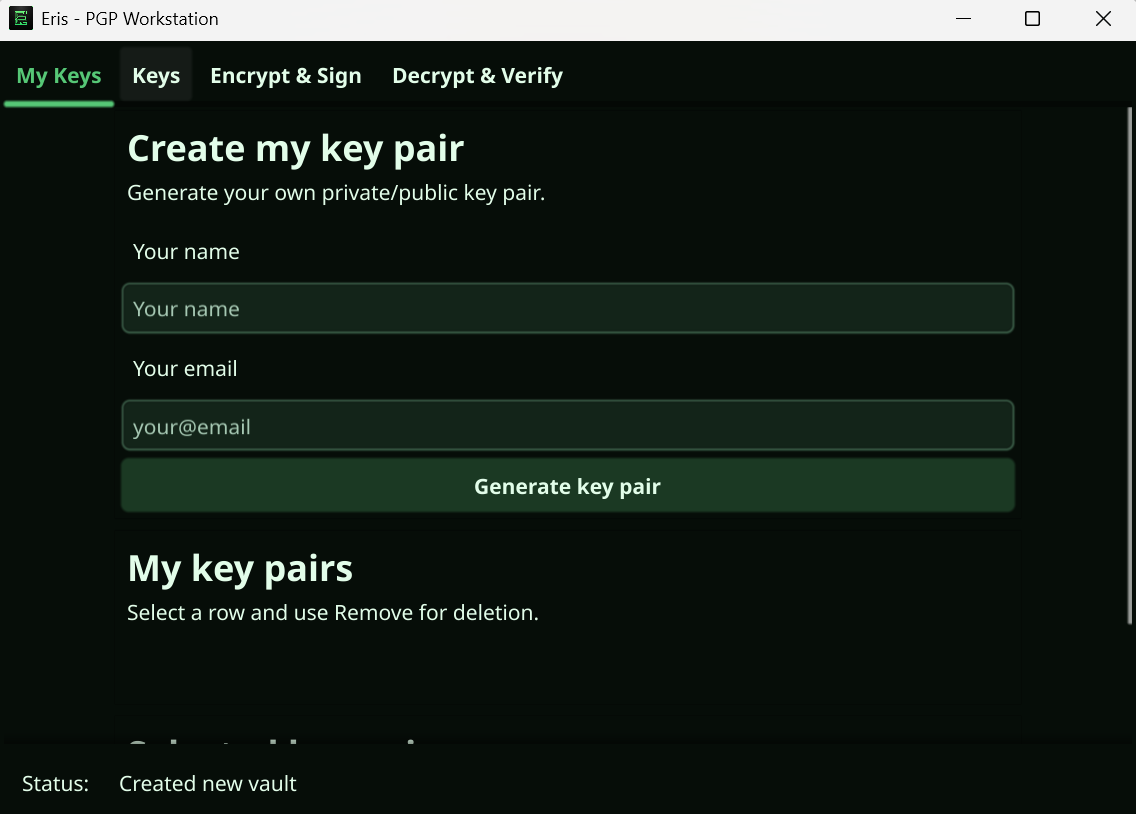
Generate your own PGP key pairs and inspect public/private data only when needed.
Store and manage third-party public keys for recipients and signature verification.
Write a message, choose keys, and produce encrypted output or switch to sign-only mode.
Decrypt incoming messages and verify signatures, or run verify-only checks on cleartext signatures.
A status bar keeps you informed about every action: success, validation, and key workflow states.
Eris is developed by Nicolas Altmann, an independent creator focused on practical security software, clean interfaces, and tools that stay understandable for real users.